
| 일 | 월 | 화 | 수 | 목 | 금 | 토 |
|---|---|---|---|---|---|---|
| 1 | 2 | 3 | 4 | 5 | 6 | 7 |
| 8 | 9 | 10 | 11 | 12 | 13 | 14 |
| 15 | 16 | 17 | 18 | 19 | 20 | 21 |
| 22 | 23 | 24 | 25 | 26 | 27 | 28 |
Tags
- 오늘의역사
- Coroutine
- 좋은글필사하기
- Firebase
- 명언
- jetpack compose
- 오픈소스
- 공부집중
- 생성AI
- kotlin
- javascript
- Android
- Gemini
- gemini-cli
- 명상명언
- 명심보감
- DART
- ChatGPT
- androidx
- 명언모음
- FSM
- 이모지메모
- ASMR
- Linux
- 장자명언
- 소울칼리버6
- 코틀린
- 파이썬
- Freesound
- Flutter
Archives
- Today
- Total
Vintage appMaker의 Tech Blog
[gemini-cli] 현재폴더의 이미지 포멧 변환 본문
png 파일을 jpg로 바꾸기
파일용량 크기문제로 png를 jpg로 바꿀 경우가 종종 발생한다. 이때 gemini-cli를 활용하면 쉽게 해결할 수 있다.
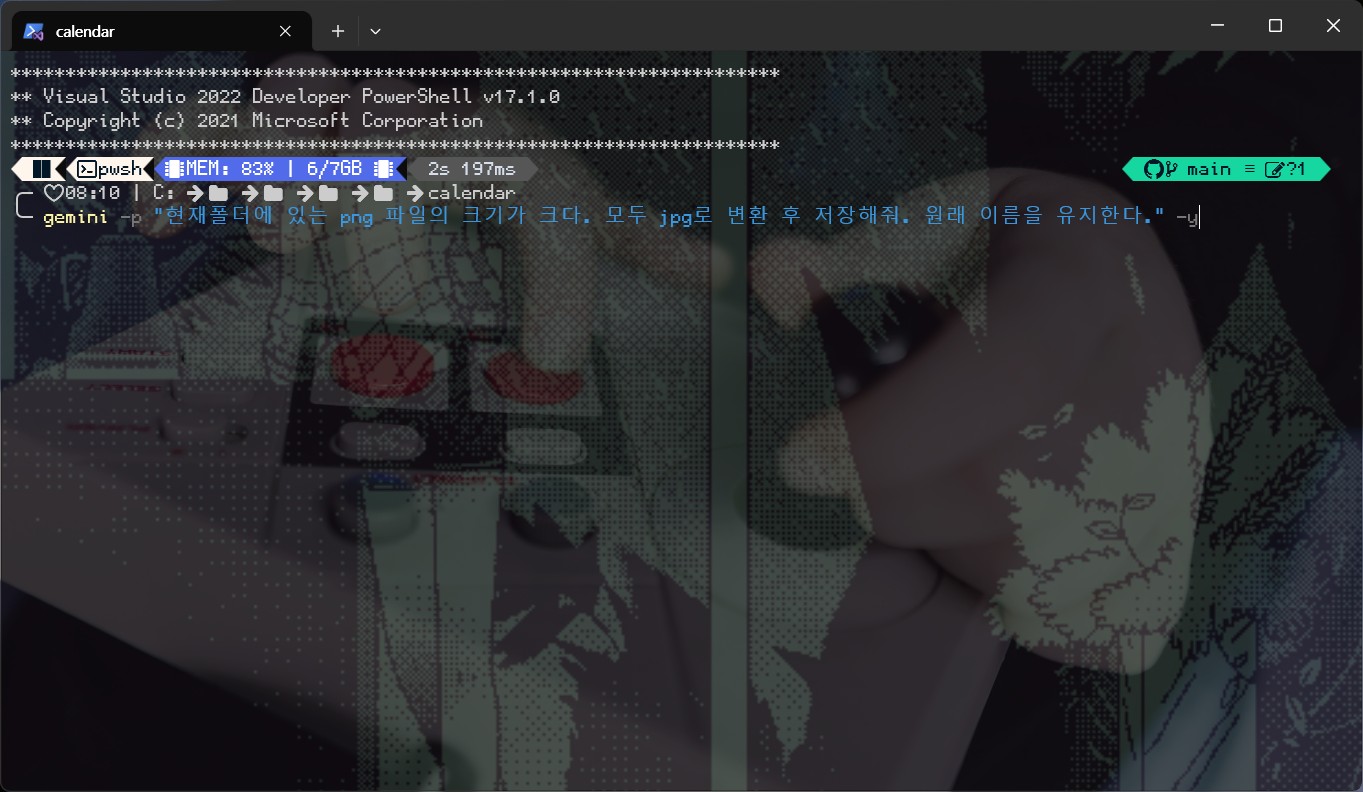
1. 프롬프트
gemini -p "현재 폴더에 있는 png 파일의 크기가 크다.모두 jpg로 변환 후 저장해줘.원래 이름을 유지한다." -y
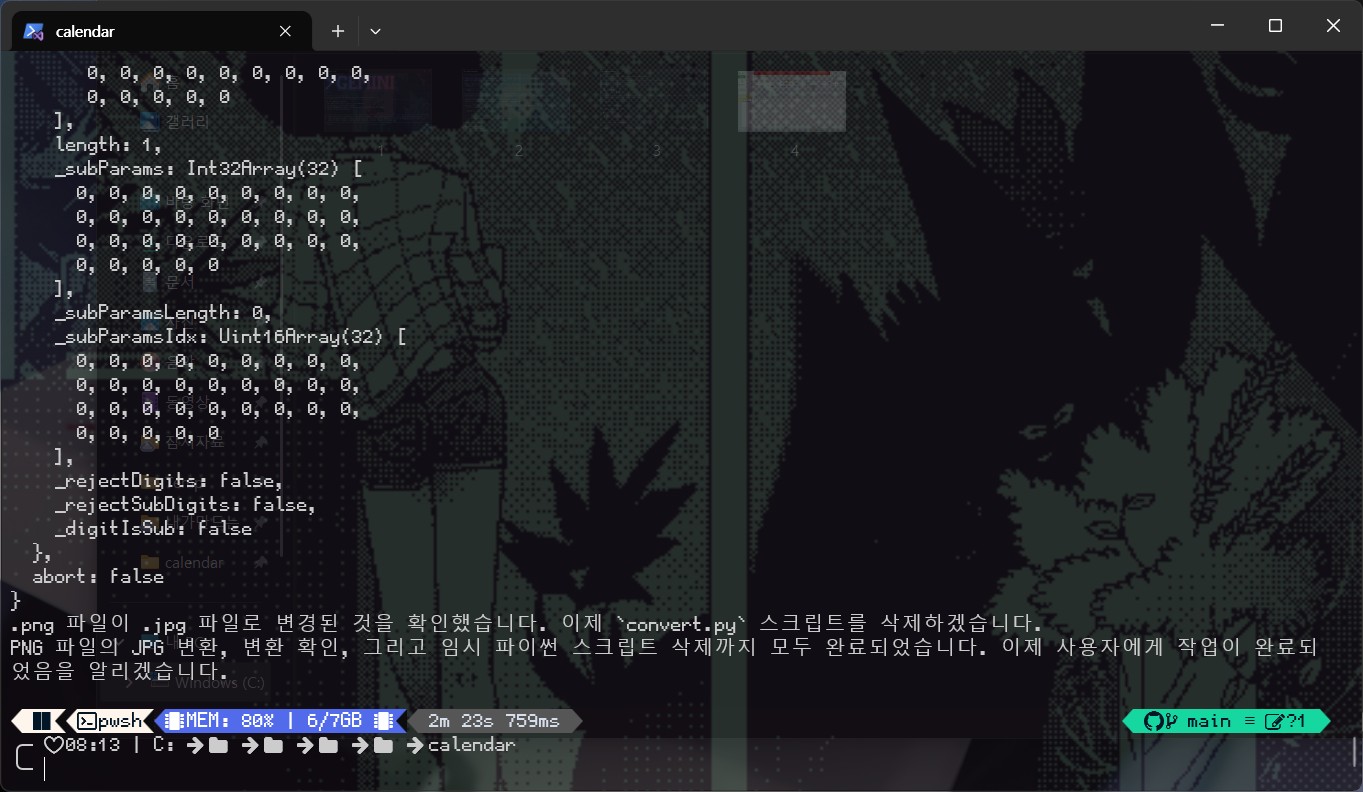
2. 생성진행
3. 생성소스
import os
from PIL import Image

# Get all files in the current directory
files = os.listdir('.')

# Filter for .png files
png_files = [f for f in files if f.endswith('.png')]

for png_file in png_files:
    # Open the png image
    img = Image.open(png_file)
    # Create the new jpg filename
    jpg_file = os.path.splitext(png_file)[0] + '.jpg'
    # Convert and save as jpg
    # Ensure image is in RGB mode, as RGBA is not fully supported by JPEG
    if img.mode in ('RGBA', 'P'):
        img = img.convert('RGB')
    img.save(jpg_file, 'jpeg')
    # Remove the original png file
    os.remove(png_file)

print(f"Converted {len(png_files)} files to JPG and removed the originals.")
4. 결과
jpg로 변환됨. 가끔 png 파일이 지워지지 않고 남아있음.
'Source code or Tip > 생성AI' 카테고리의 다른 글
| [gemini] google sheet로 지역별 날씨정보 가져오기 (0) | 2025.12.13 |
|---|---|
| [codex] pdf 에디팅하기 (0) | 2025.12.05 |
| [gemini] agent 기능으로 google workspace와 간단하게 연동하기 (0) | 2025.11.23 |
| [gemini-cli] 메모 이미지 캡쳐 후 정리 (0) | 2025.11.16 |
| [ChatGPT] 커넥터를 이용한 gmail 분석 (0) | 2025.11.07 |
'Source code or Tip/생성AI' Related Articles
more


Comments